Your dream POS is only 3 clicks away

Sell anything, run everything — one powerful cloud POS.

Launch a cloud workspace for sales, barcode checkout, restaurant tables, KOT, kitchen display, purchasing, stock control, reports, and multi-branch operations — in minutes, not weeks.

Retail checkout Restaurant KOT Inventory control Multi-branch ready FBR-ready for Pakistan
Live order #1042
KOT ready: Table 8
Low stock: 3 items
Today's sales: PKR 84,250
Branch report synced
All-in-one
Retail checkoutRetail
Inventory & stockInventory
Reports & dashboardsReports
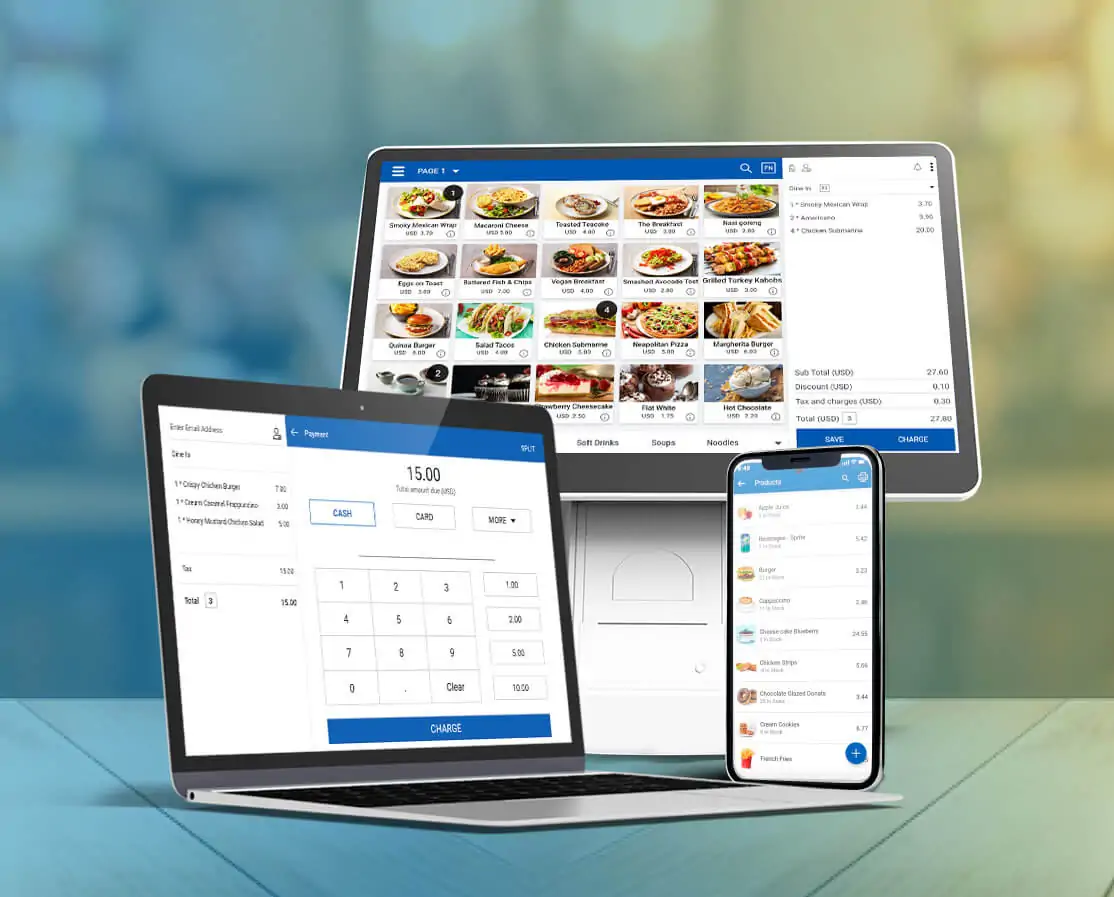
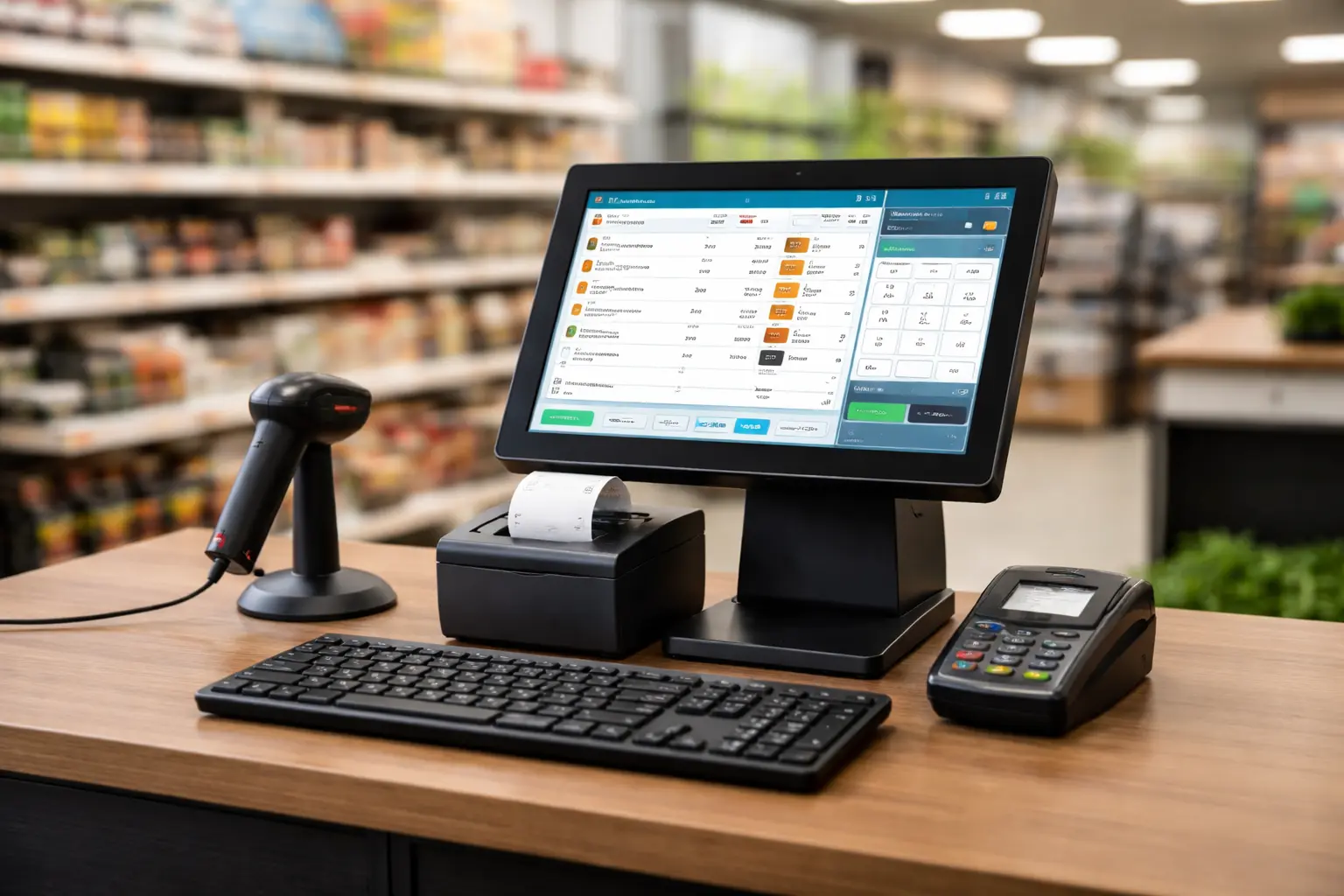
Bingoo POS on laptop, tablet, and mobile
BINGOO POS
Order #1042

Burger Combo x21,300
Latte x1450

StatusKOT Sent
30-day free trial
No payment required
Cloud setup in minutes
Retail + restaurant workflows
Multi-branch ready
Role-based team access
Barcode checkout Kitchen orders Stock counts Branch reports Plan upgrades Payment proof billing FBR-ready workflows 30-day free trial Barcode checkout Kitchen orders Stock counts Branch reports Plan upgrades Payment proof billing FBR-ready workflows 30-day free trial
How it works

Go live in 3 simple steps

Your dream POS is only 3 clicks away.

1
Choose your business type

Retail, restaurant, bakery, café, inventory, or enterprise — pick the plan that fits.

Retail to enterprise covered
2
Create your cloud workspace

Your tenant, owner account, trial plan, and permissions are provisioned automatically.

No server setup required
3
Start selling with your team

Add products, open counters, print KOTs, and track branch reports from day one.

Go live immediately
Solutions

One POS. Different businesses. Same control.

Built for the way your business actually works.

Live product

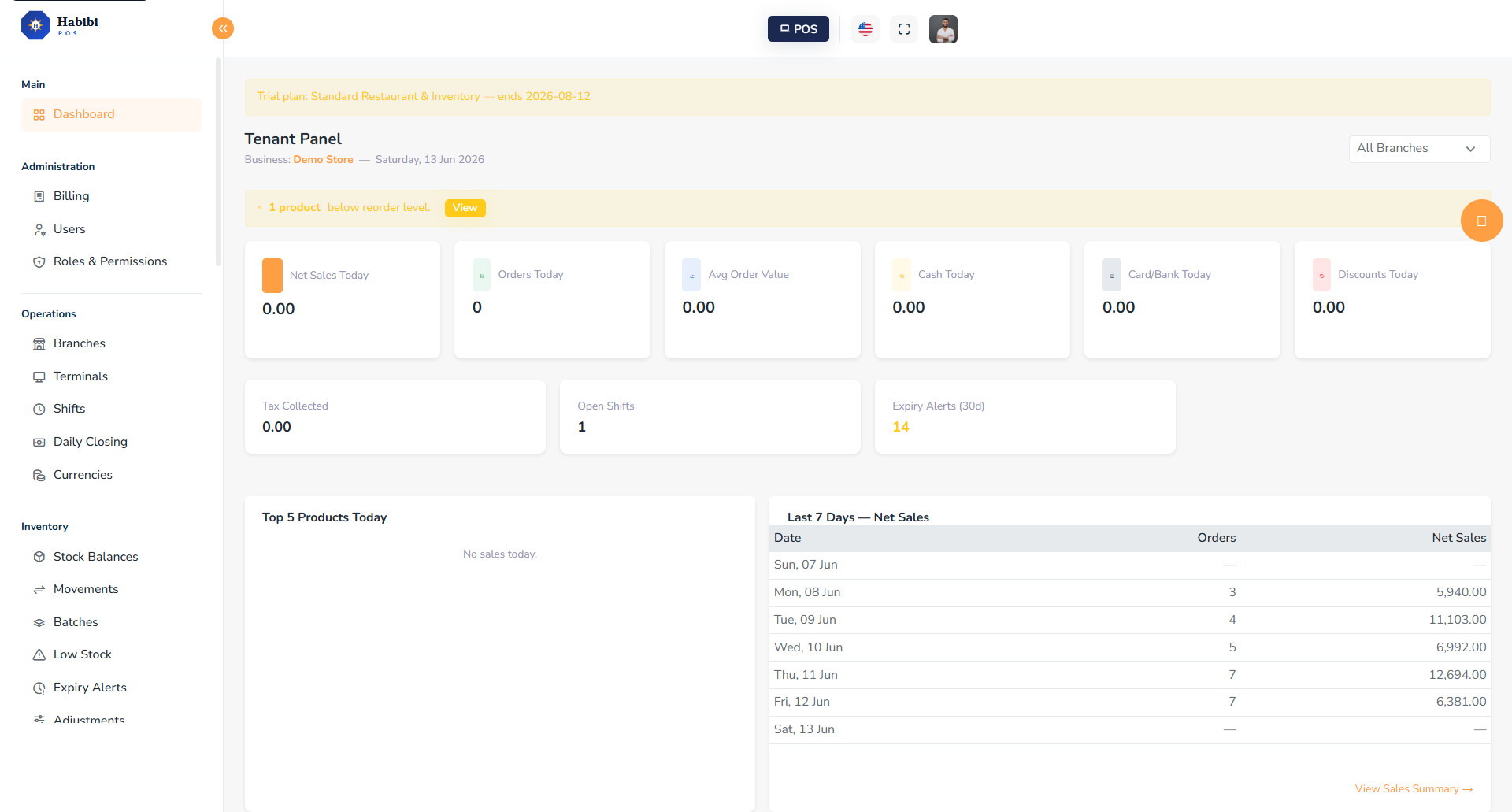
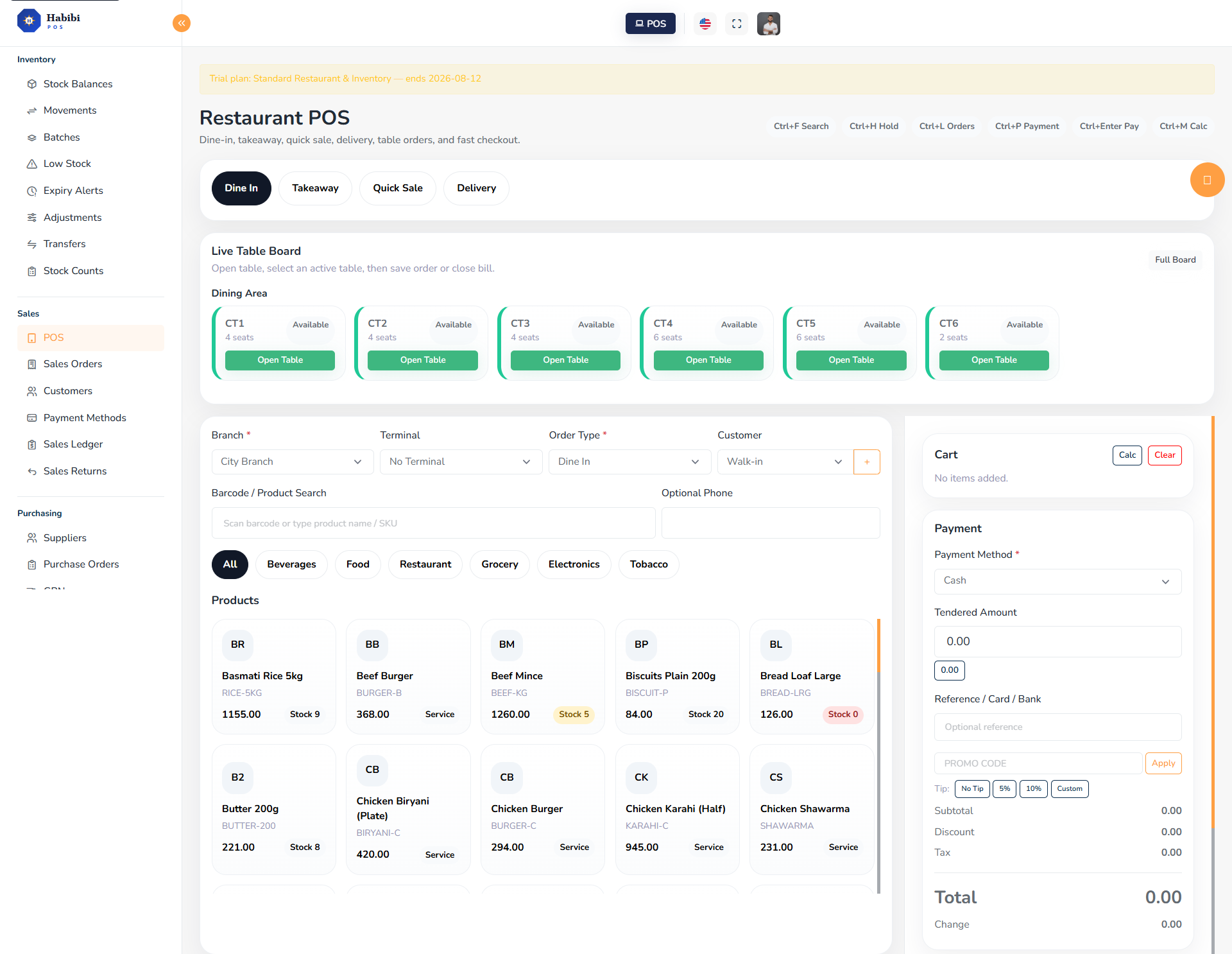
Watch the workflow move across your business.

Real screens from the live Bingoo POS platform.

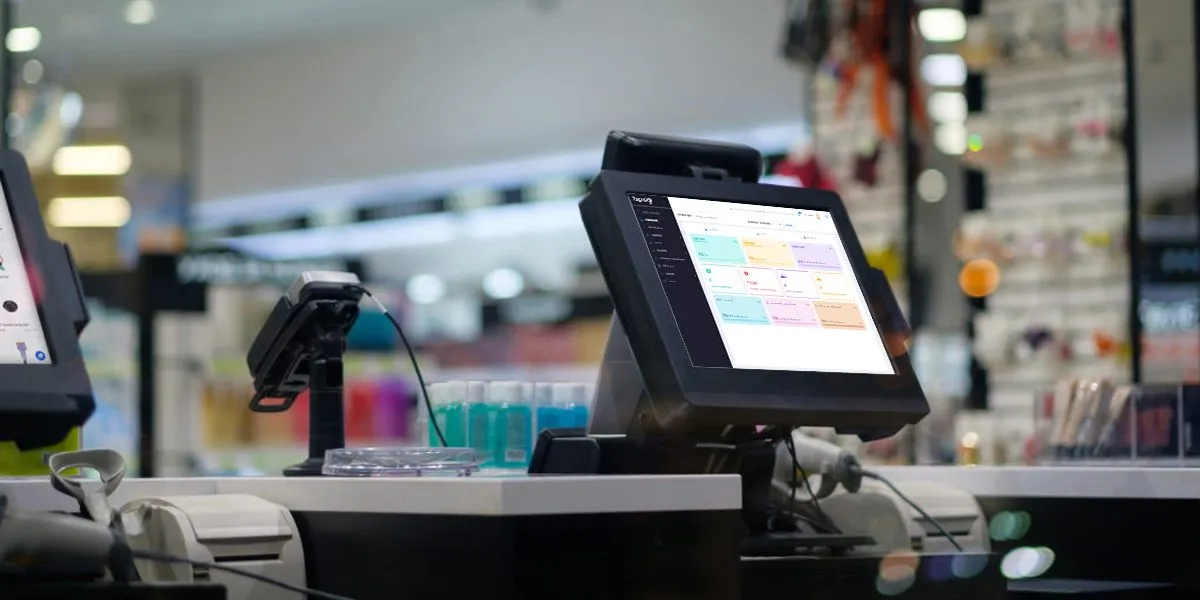
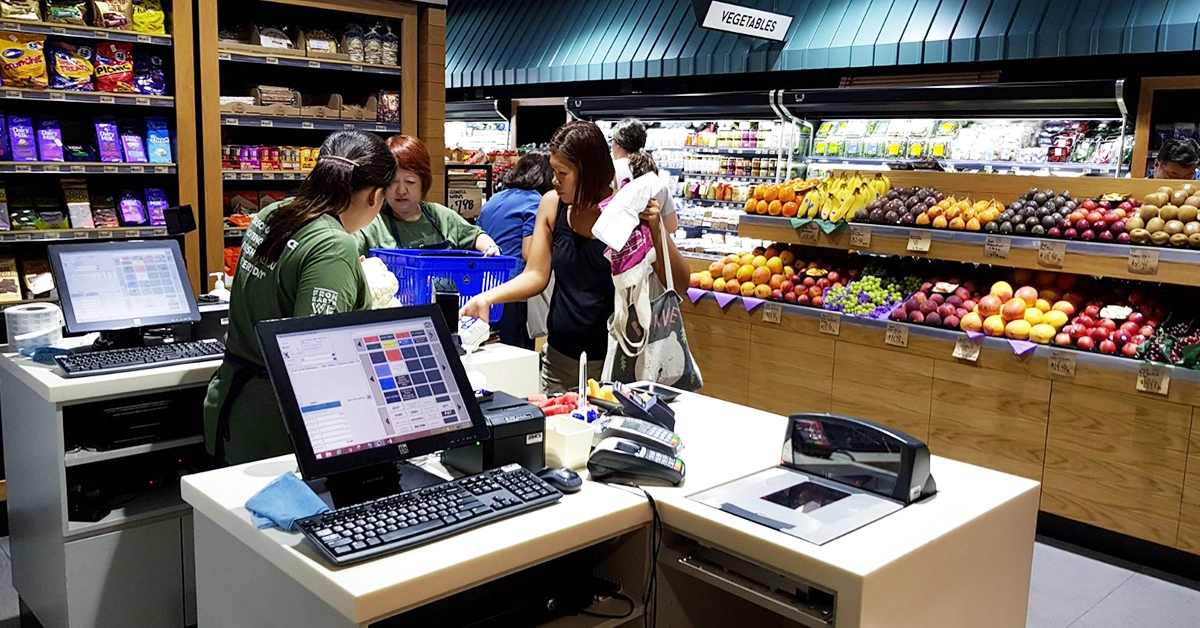
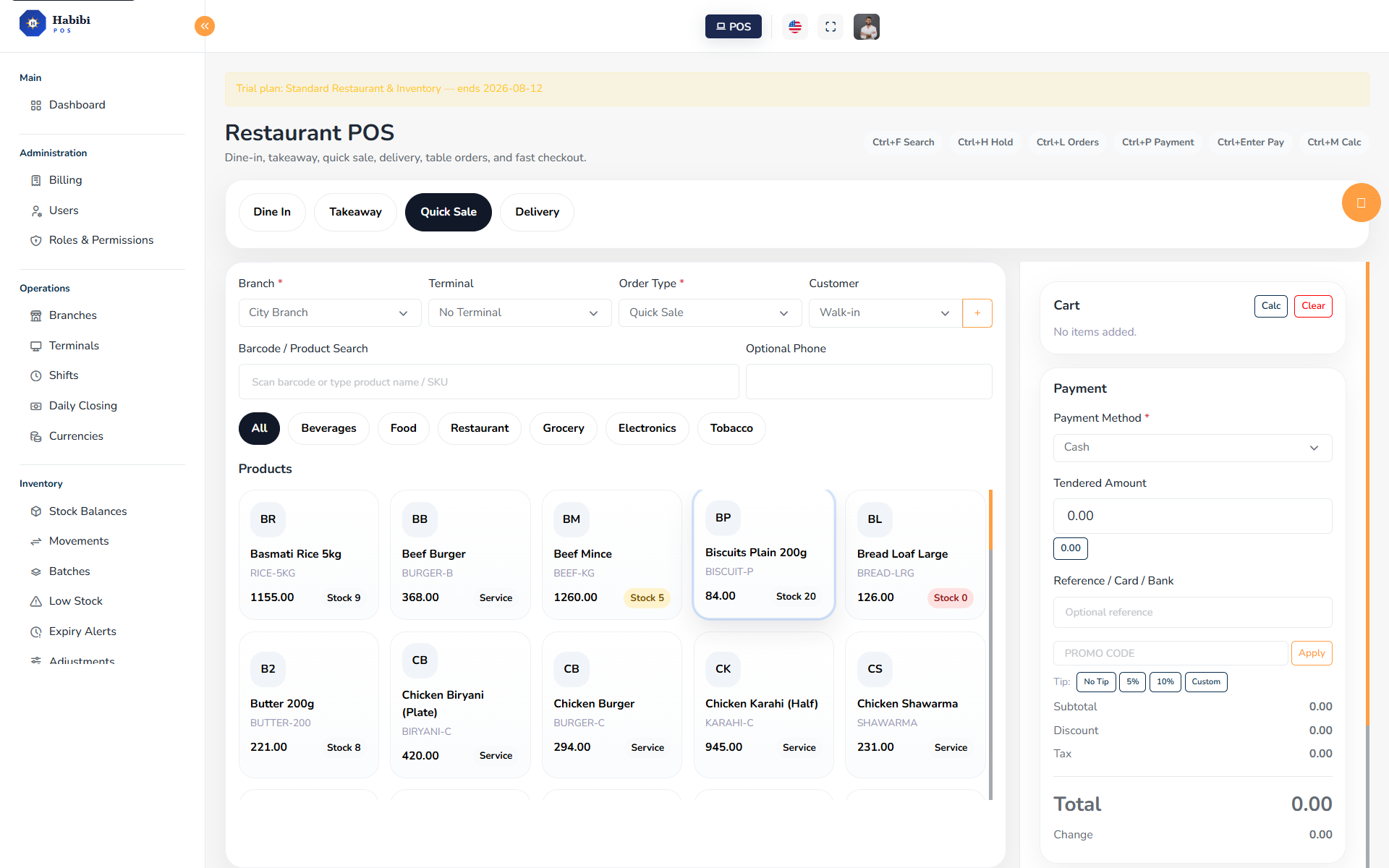
Counter POS

Counter POS

Fast cart, barcode search, discounts, receipts, held sales, and payment flow.

  • Barcode & product search
  • Held sales & multi-payment
  • Receipt printing
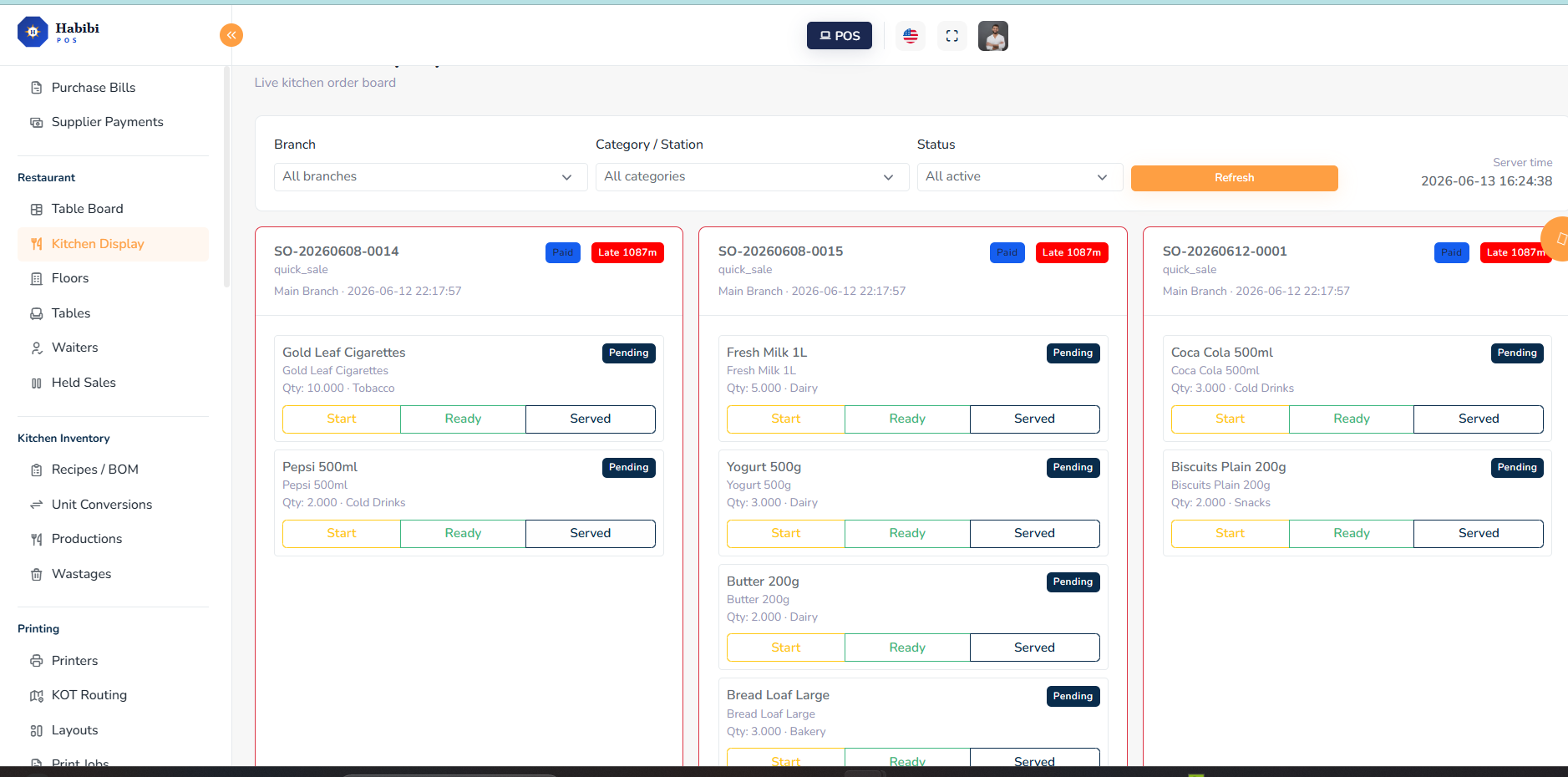
Kitchen Display

Kitchen Display

Orders move from counter to kitchen without paper confusion.

  • Live order tickets
  • Prep / ready / served
  • Station routing
Inventory Dashboard

Inventory Dashboard

Track sales, stock, purchases, branches, and alerts in real time.

  • KPI dashboard
  • Low-stock & expiry alerts
  • Branch-level sales
Restaurant Tables

Restaurant Tables

Open tables, assign waiters, and manage dine-in flow from a live board.

  • Live table board
  • Dine-in / takeaway / delivery
  • Split bills & service charge
Features

Everything your business needs — without stitching tools together.

Barcode Checkout
  • Fast sales, product search, held sales
  • Multi-payment, receipts, returns
Restaurant Tables & KOT
  • Floors, tables, waiters
  • Split bills, service charge, kitchen tickets
Kitchen Display
  • Live order routing to stations
  • Prep / ready / served states
Inventory & Purchasing
  • Stock balances, POs, GRNs
  • Supplier payments, low-stock alerts
Stock Count & Transfers
  • Physical stock counts
  • Variance posting, inter-branch transfers
Reports & Controls
  • Sales, shifts, inventory reports
  • Restaurant, kitchen, purchase, audit
Finance & Accounting
  • Chart of accounts, expenses, double-entry ledger
  • P&L, Balance Sheet, branch-wise P&L
SaaS Billing
  • Plan invoices, payment proofs
  • Upgrade requests, subscription lifecycle
Role-Based Access
  • Owner, Manager, Cashier roles
  • Custom permissions per user
Bingoo Assistant
“Add products fast” “Send KOT instantly”
Your POS sidekick

Meet your POS sidekick.

Bingoo POS guides your team from first sale to daily closing — with workflows designed for cashiers, waiters, managers, and owners.

Add products fast Send KOT instantly Know your stock before it runs out
Pakistan Compliance

FBR-ready workflows for Pakistan retailers.

For eligible Pakistan businesses, Bingoo POS is being designed with FBR-ready invoice workflows, branch-level tax details, receipt configuration, and future integration support.

Branch tax registration number fields
Taxable products and per-line tax amounts
Receipt tax number and footer configuration
Future invoice sync and QR workflow planning
Ask about FBR setup →

Not an official FBR certification claim. Final compliance depends on business setup and official FBR requirements.

BINGOO POS
Tax Invoice

NTNXXXXXXX-X
STRNXX-XX-XXXX
Invoice #INV-0001

Item subtotal2,000
Sales tax340
Total2,340

FBR sync Planned
QR placeholder — illustrative only

Platform capability at a glance

Designed to support thousands of daily transactions across counters, kitchens, and branches.

14+
Business modules
30day
Free trial period
5
Public plan options
8+
Industry use cases

* Capability-based figures. Actual customer data will be shown here as the platform grows.

Stories

Customer stories by business type

Sample customer scenarios — replace with real testimonials when available.

Comparison

Why businesses move to Bingoo POS

Workflow Traditional POS Disconnected Tools Bingoo POS
Checkout & sales Basic Manual entry ✓ Barcode, cart, multi-payment
Inventory control Offline Spreadsheet ✓ Live stock, transfers, counts
Restaurant kitchen No KOT Paper tickets ✓ Digital KOT + Kitchen Display
Reporting Day-end only Multiple apps ✓ Real-time, branch-level
Multi-branch Single store Complex setup ✓ Built-in, per-branch
Subscription control N/A N/A ✓ Plans, limits, upgrades
Pricing

Pick the package that fits your business

Start with a 30-day free trial. Upgrade any time. No payment required.

Best for small shops
Retail Starter

Best for small stores, counters, and simple retail checkout.

PKR 3,000
per month
or PKR 30,000 / year
30-day free trial
Start Trial
Best for marts
Inventory Store

Best for marts, grocery stores, warehouses, and stock-focused businesses.

PKR 8,000
per month
or PKR 80,000 / year
30-day free trial
Start Trial
Best for cafés
Restaurant Starter

Best for cafés, dine-in restaurants, and takeaway counters.

PKR 7,000
per month
or PKR 70,000 / year
30-day free trial
Start Trial
Custom rollout
Enterprise / Custom

Custom rollout for multi-branch, franchise, and enterprise operations.

Custom pricing
Tailored to your scale
Contact Sales
FAQ

Common questions

No. Bingoo POS is a cloud-based SaaS. You access it from any browser on any device — no software download or server required.

No. The 30-day free trial requires no payment details. Sign up, provision your workspace, and start immediately.

Yes. The Restaurant Starter and Restaurant Pro plans include table management, KOT printing, kitchen display, split bills, and service charges.

Yes. The Inventory Store and Restaurant Pro plans include stock balances, purchase orders, GRNs, supplier management, stock counts, and transfers.

Yes. The Restaurant Pro and Enterprise plans include a built-in Finance & Accounting module — chart of accounts, expenses, cash & bank accounts, customer/supplier payments, a double-entry general ledger that auto-posts from sales, purchases and expenses, plus Trial Balance, Profit & Loss, Branch-wise P&L and Balance Sheet reports with CSV export.

Yes. Request a plan upgrade any time from the billing portal. Our team approves it and issues an upgrade invoice.

Yes. The Restaurant Pro and Enterprise plans include multi-branch controls with per-branch terminals, users, shifts, reports, and stock.

Bingoo POS has FBR-ready workflows designed for eligible Pakistan businesses, including branch tax fields, taxable products, and receipt tax numbers. Full FBR invoice sync is planned. This is not an official FBR-certified integration.

Yes. Bingoo POS supports USB and wireless barcode scanners, thermal receipt printers, and KOT kitchen printers via the local print agent.

Your next counter, kitchen, and inventory system starts here.

Create a 30-day trial workspace, invite your team, test products, print orders, and see your reports — no payment required.

No payment required Cloud setup Restaurant + retail ready Upgrade anytime
Start Free Trial