Five live workspaces, one for each business type
Pick the demo closest to your business and open it in a new tab.
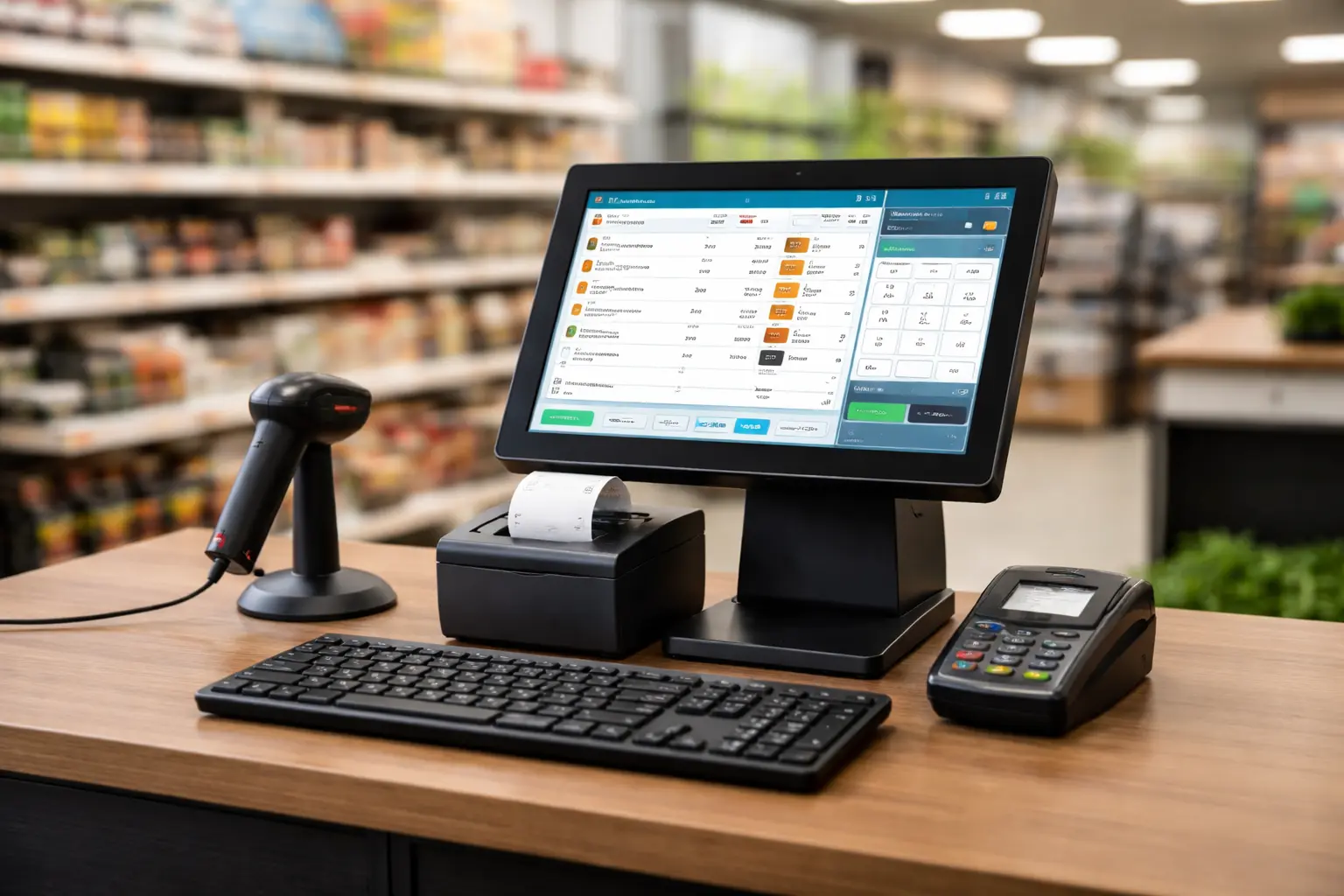 Retail Starter
Live
Retail Starter
Live
Retail Demo
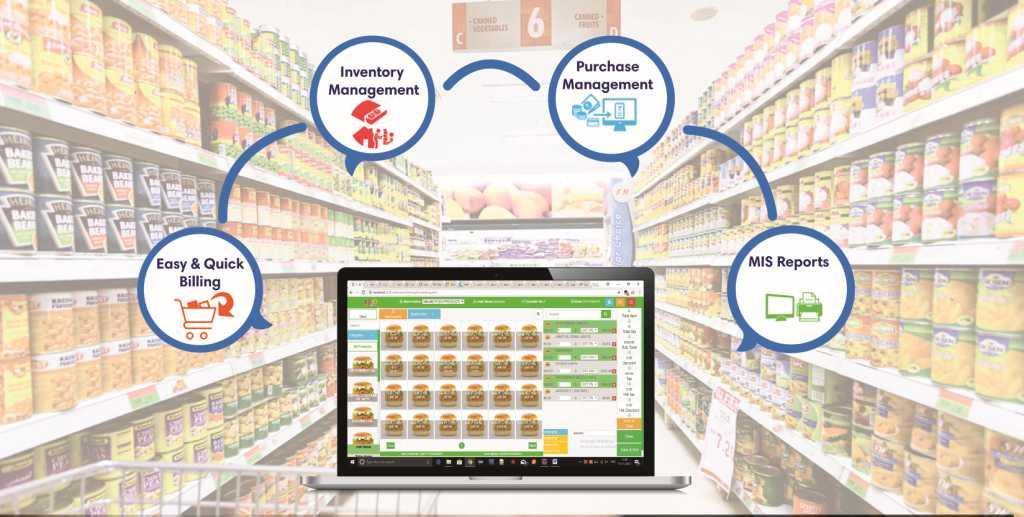
Test barcode checkout, products, customers, receipts, and retail sales reports.
- Fast POS checkout
- Barcode-style product search
- Sample customers and paid sales
- Receipt-ready sales flow
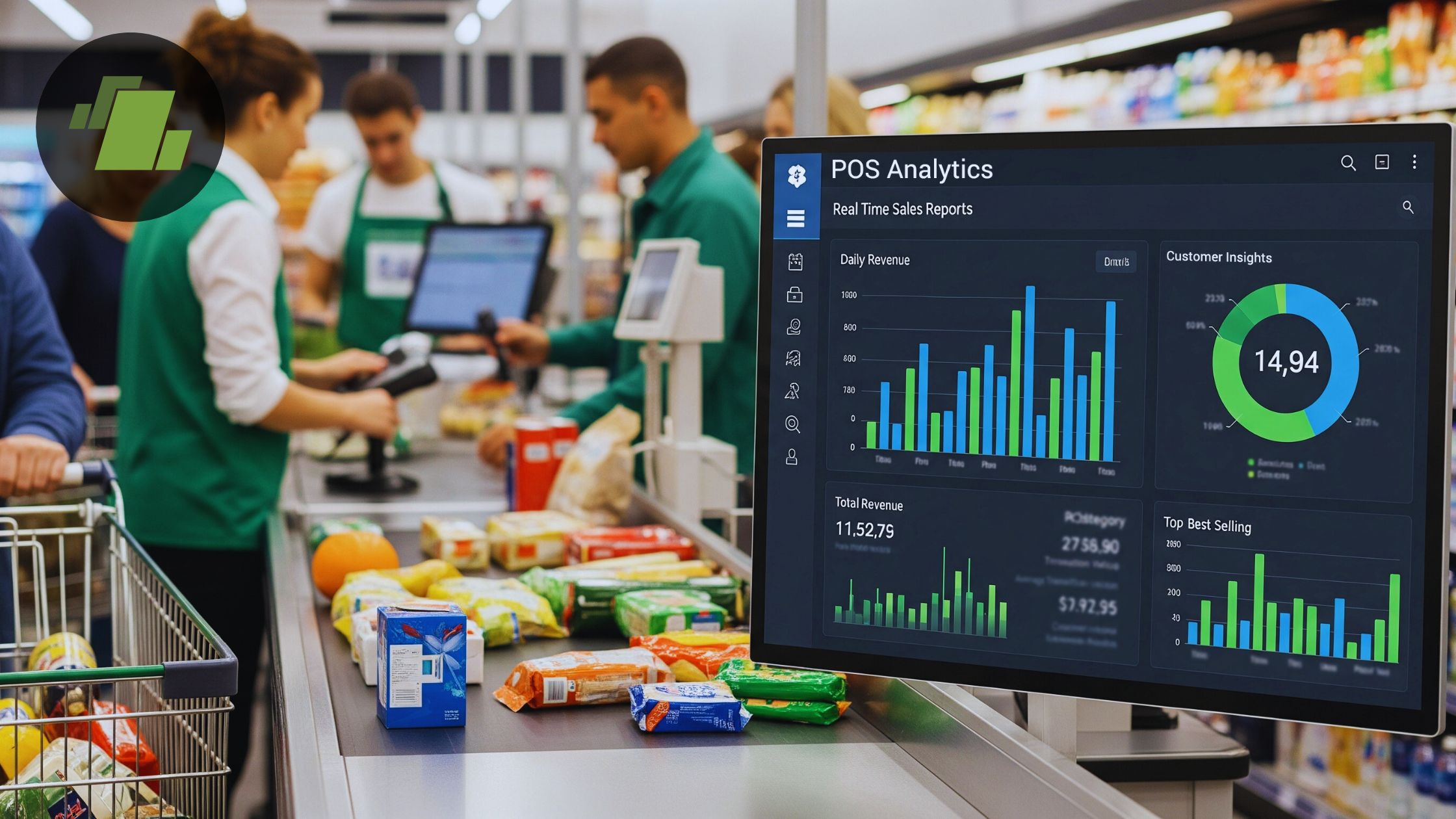 Inventory Store
Live
Inventory Store
Live
Inventory Demo
Explore purchasing, suppliers, GRNs, stock transfers, low-stock items, and inventory reports.
- Purchase orders and GRNs
- Supplier and bill examples
- Warehouse to store transfer
- Low-stock product examples
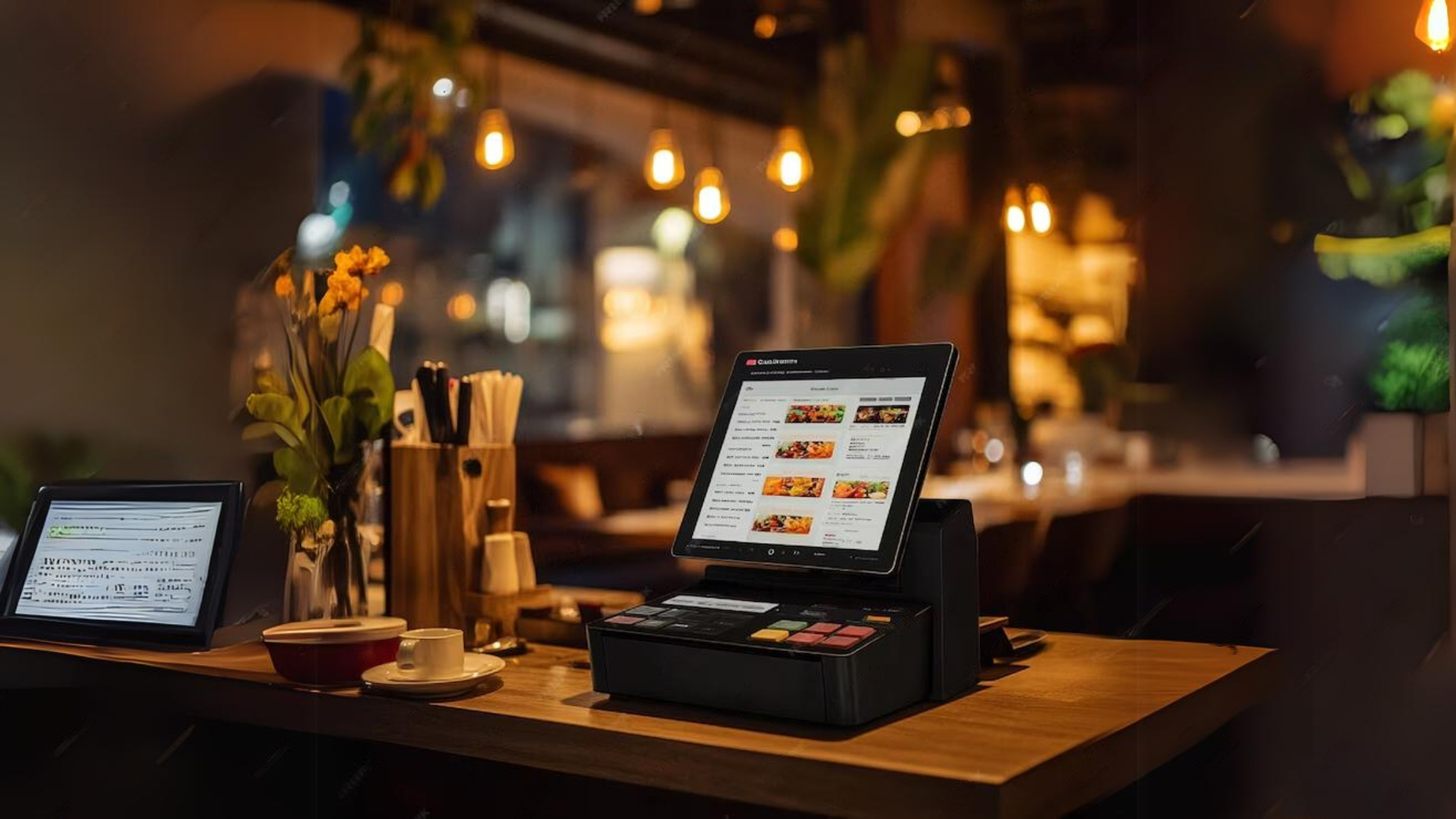 Restaurant Starter
Live
Restaurant Starter
Live
Restaurant Demo
Try tables, waiters, dine-in orders, service charge, KOT-ready orders, and restaurant reporting.
- Floors and tables
- Waiter/order flow
- Paid dine-in and takeaway orders
- Service charge and sales controls
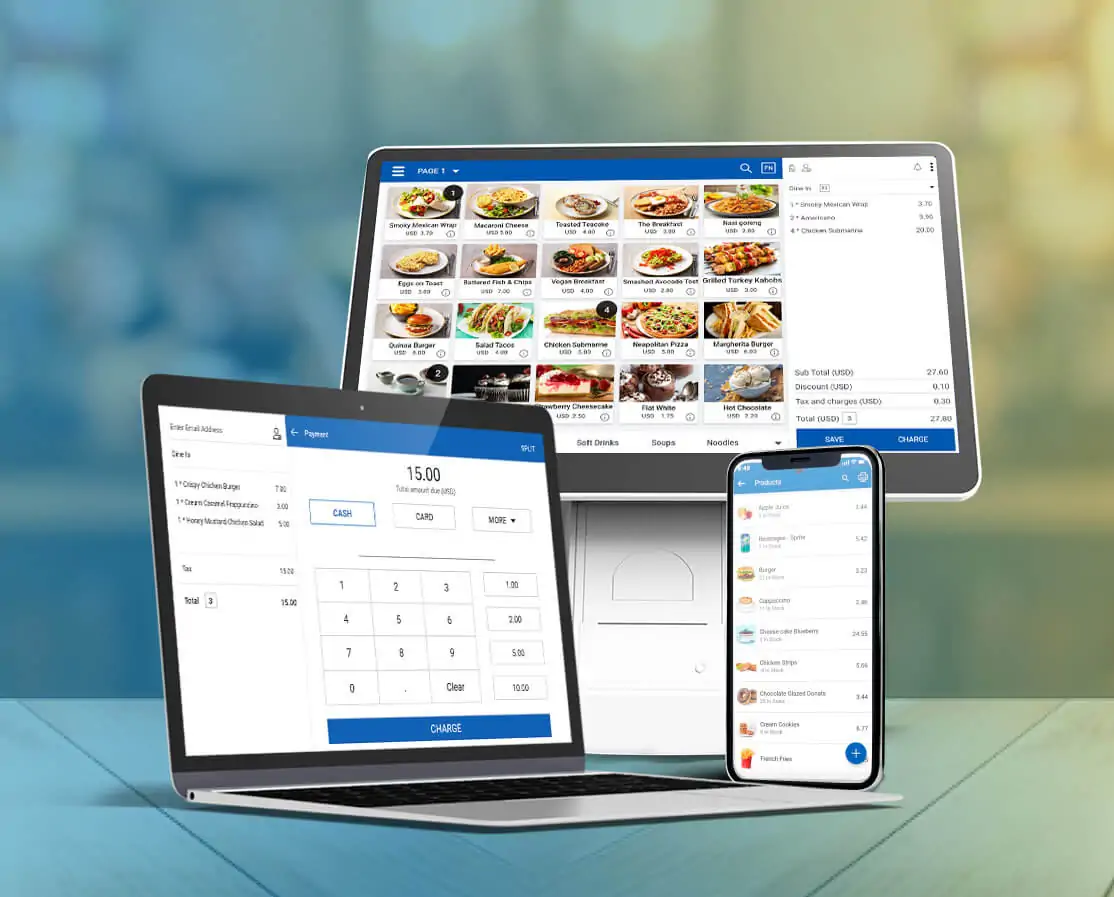 Restaurant Pro
Live
Restaurant Pro
Live
Restaurant Pro Demo
Test KDS, recipes/BOM, kitchen inventory, purchasing, ingredient stock, and advanced restaurant workflows.
- Kitchen Display orders
- Recipes and ingredient consumption
- Kitchen stock and purchasing
- Accounting: expenses, ledger, P&L & balance sheet
 Enterprise
Live
Enterprise
Live
Enterprise Demo
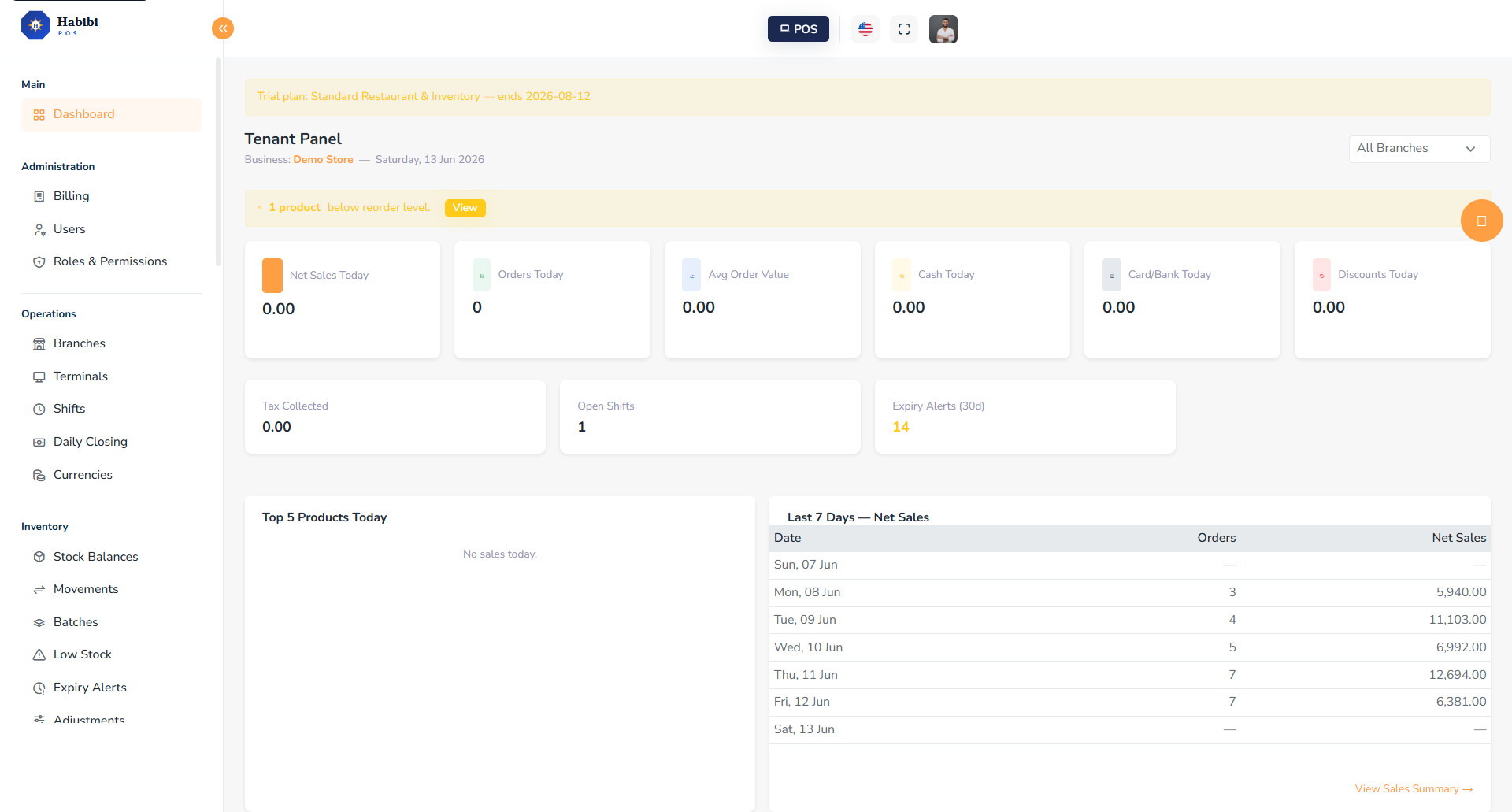
Explore a multi-branch rollout with retail, restaurant, warehouse, purchasing, roles, terminals, and branch reporting.
- 4 branches and 6 terminals
- Branch-level sales comparison
- Full accounting: GL, P&L, branch-wise P&L, balance sheet
- Enterprise users and safe roles
 Finance + ERP
Live
Finance + ERP
Live
Finance ERP Demo
Explore accounting, purchasing, inventory, receivables/payables, financial reports, and planned ERP/manufacturing extensions.
- Journal Entries, General Ledger, Trial Balance
- P&L, Balance Sheet, Branch-wise P&L
- Opening balances, suppliers, customers
- PO → GRN and inventory movement
- ERP extensions marked Coming Soon
Public demo accounts are restricted. Billing, password changes, destructive actions, and admin-only mutations are disabled.